
Alipay Setup for Foreigners
Alipay allows foreigners to link international cards from Visa, Mastercard, JCB, Diners Club, and Discover directly — no Chinese bank account needed.
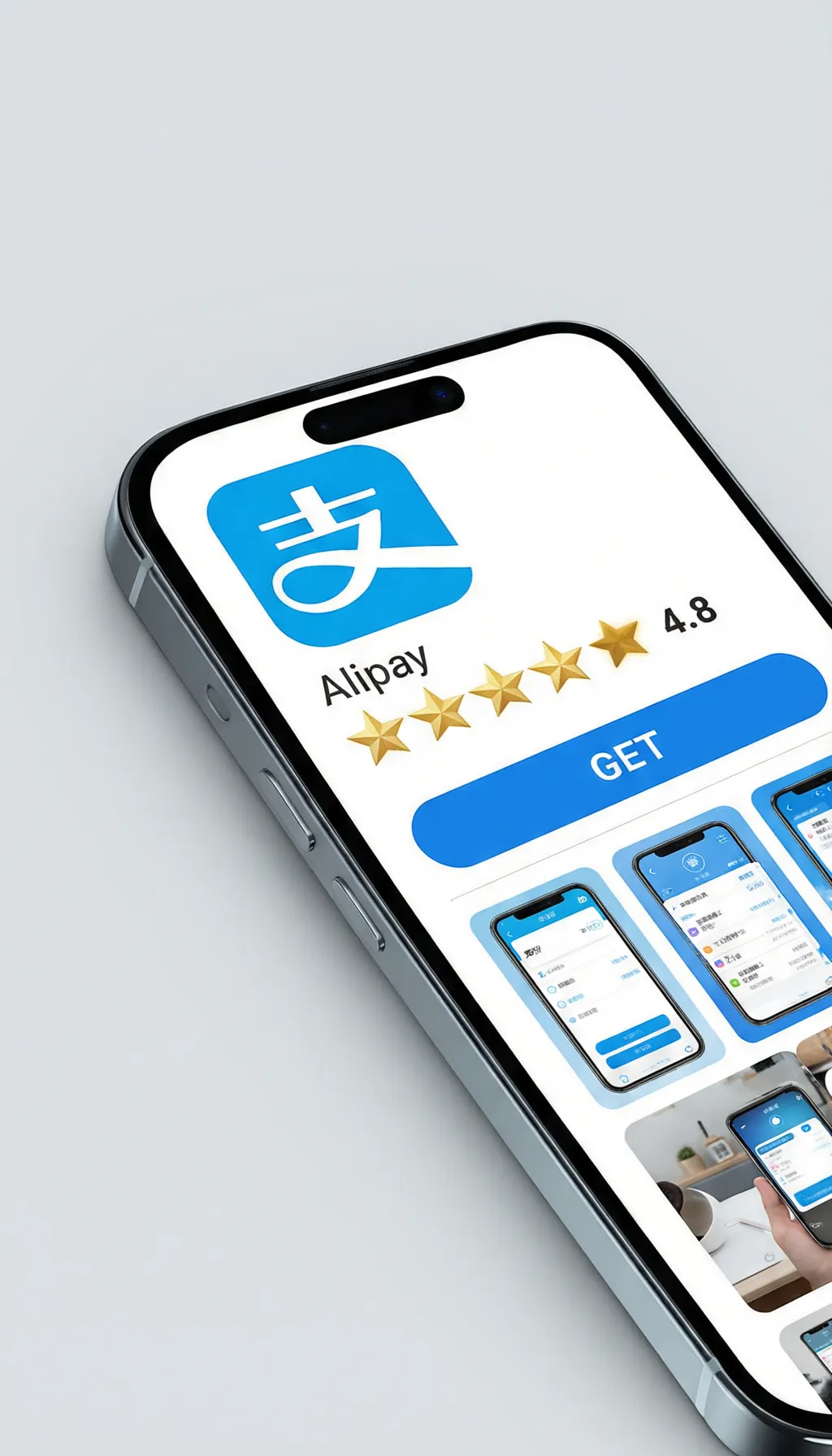
Download Alipay
Search "Alipay" in App Store or Google Play. Register with your international phone number. You will receive an SMS verification code.
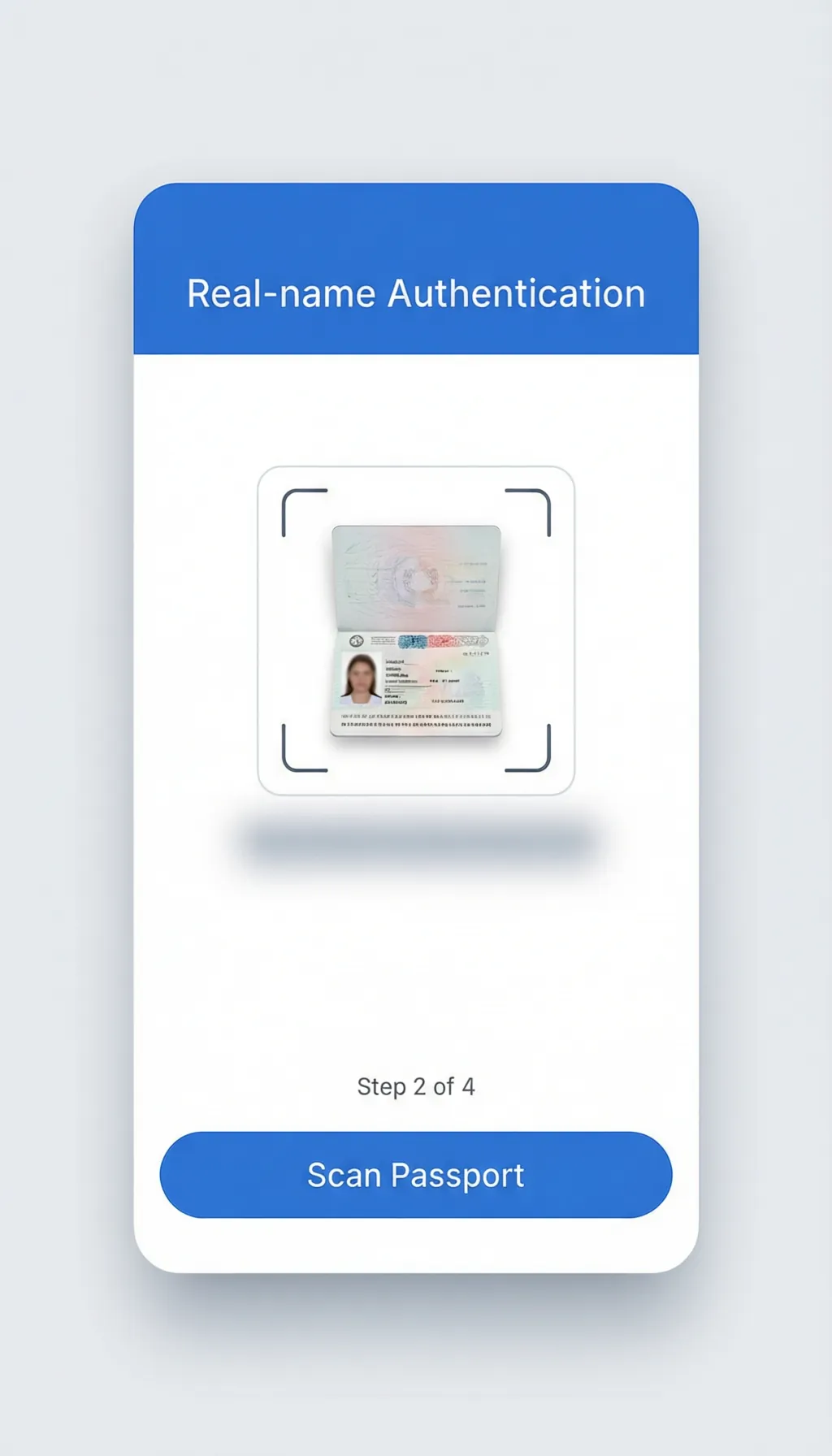
Verify Your Identity
Go to Me > Settings > Account and Security > Real-name Authentication. Select "Passport" and scan the photo page.
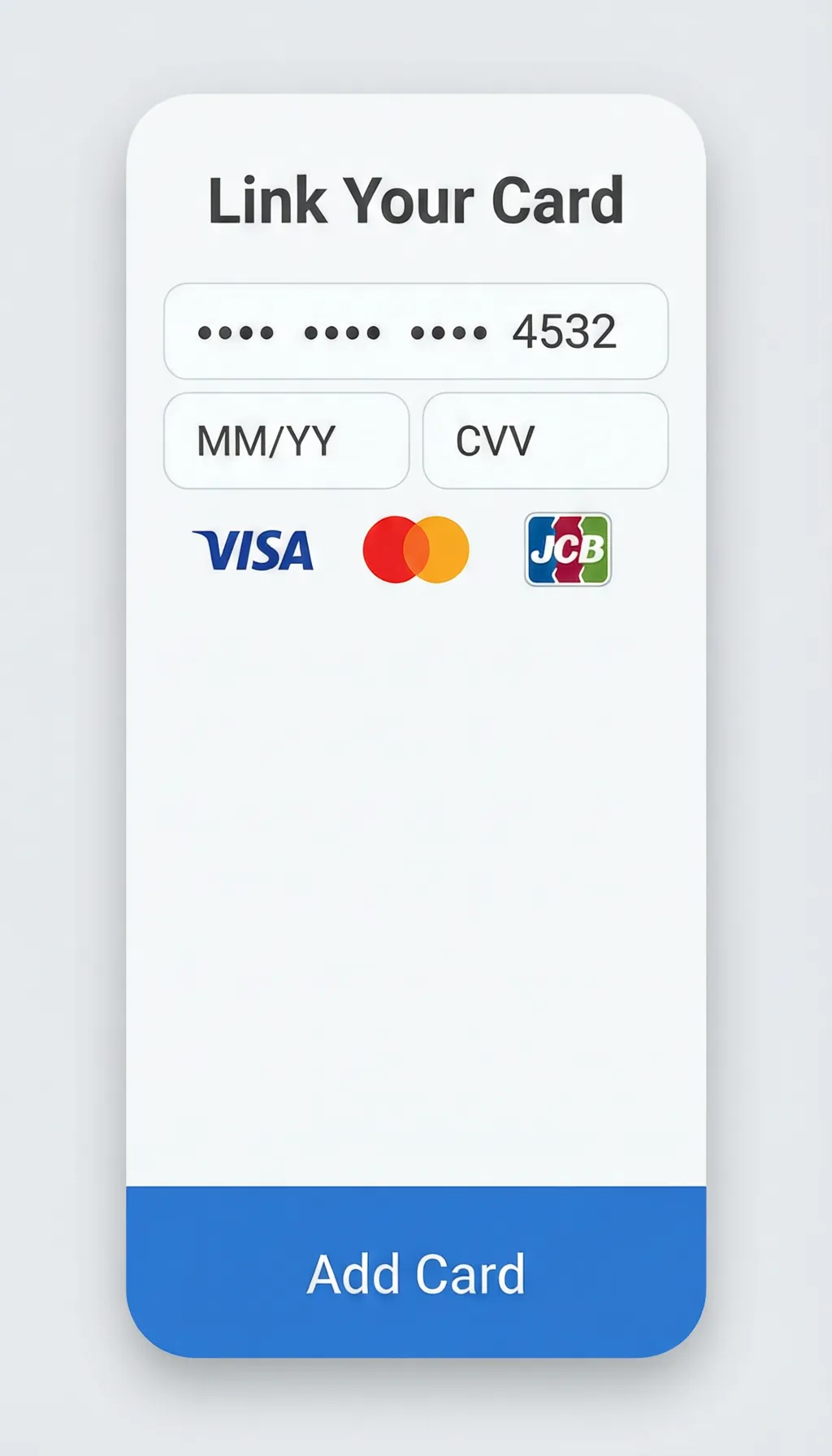
Link Your International Card
Go to Me > Bank Cards > Add Bank Card. Select your card network. Enter details and complete 3D Secure verification.
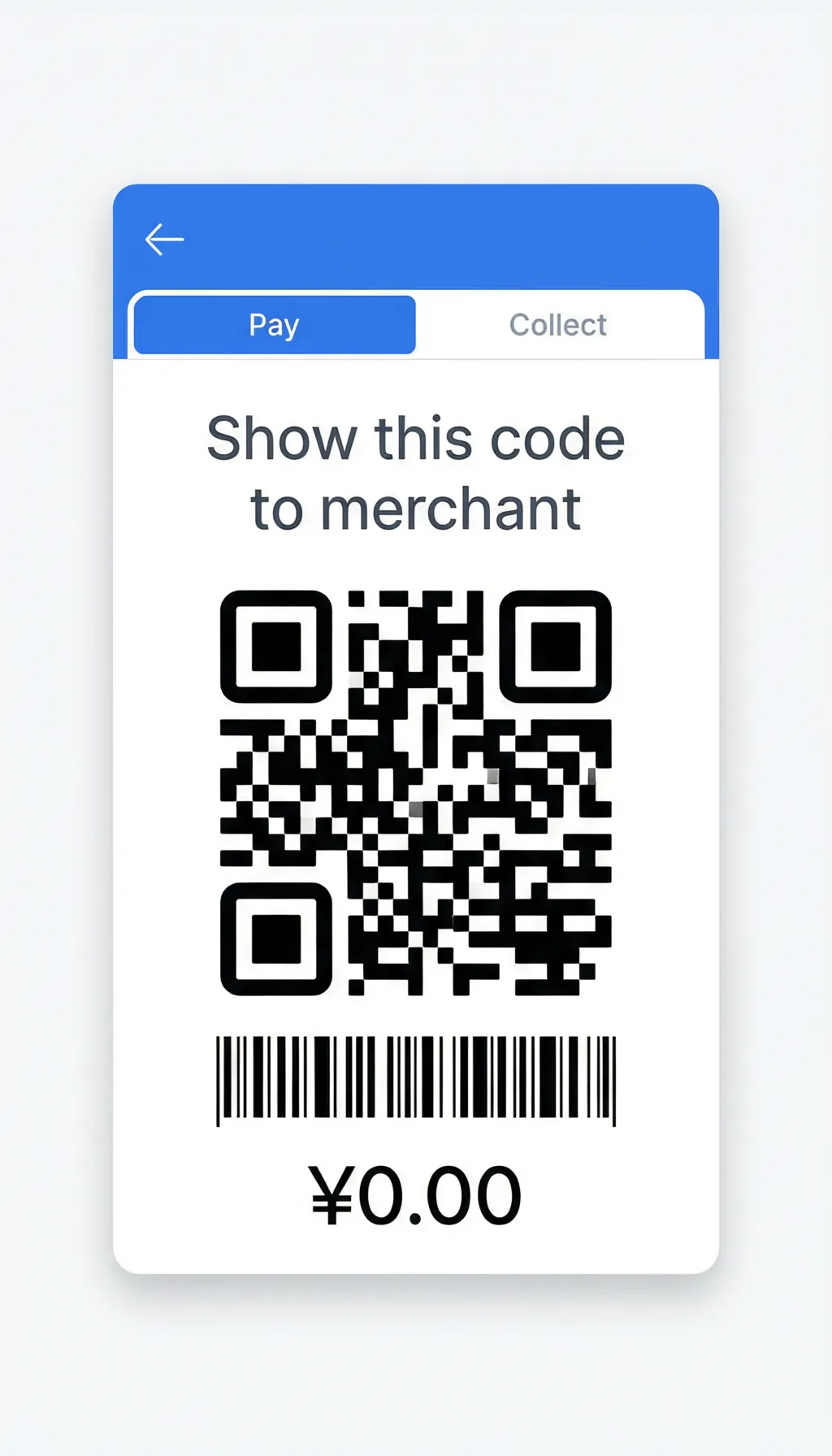
Start Paying
Tap "Pay/Collect" at the top to show your QR code to the merchant, OR tap "Scan" to scan the merchant's QR code.
Optional: Tour Card
Search "Tour Card" in Alipay search bar to pre-load yuan with your foreign card for smoother small payments.
Small-Amount Transactions
For low-value purchases, Alipay typically does not require additional identity verification. This means you can start making small payments right after linking your card, even before full verification completes.
Alipay English Hotline
International: +86-571-2688-6000
From within China: 0571-2688-6000